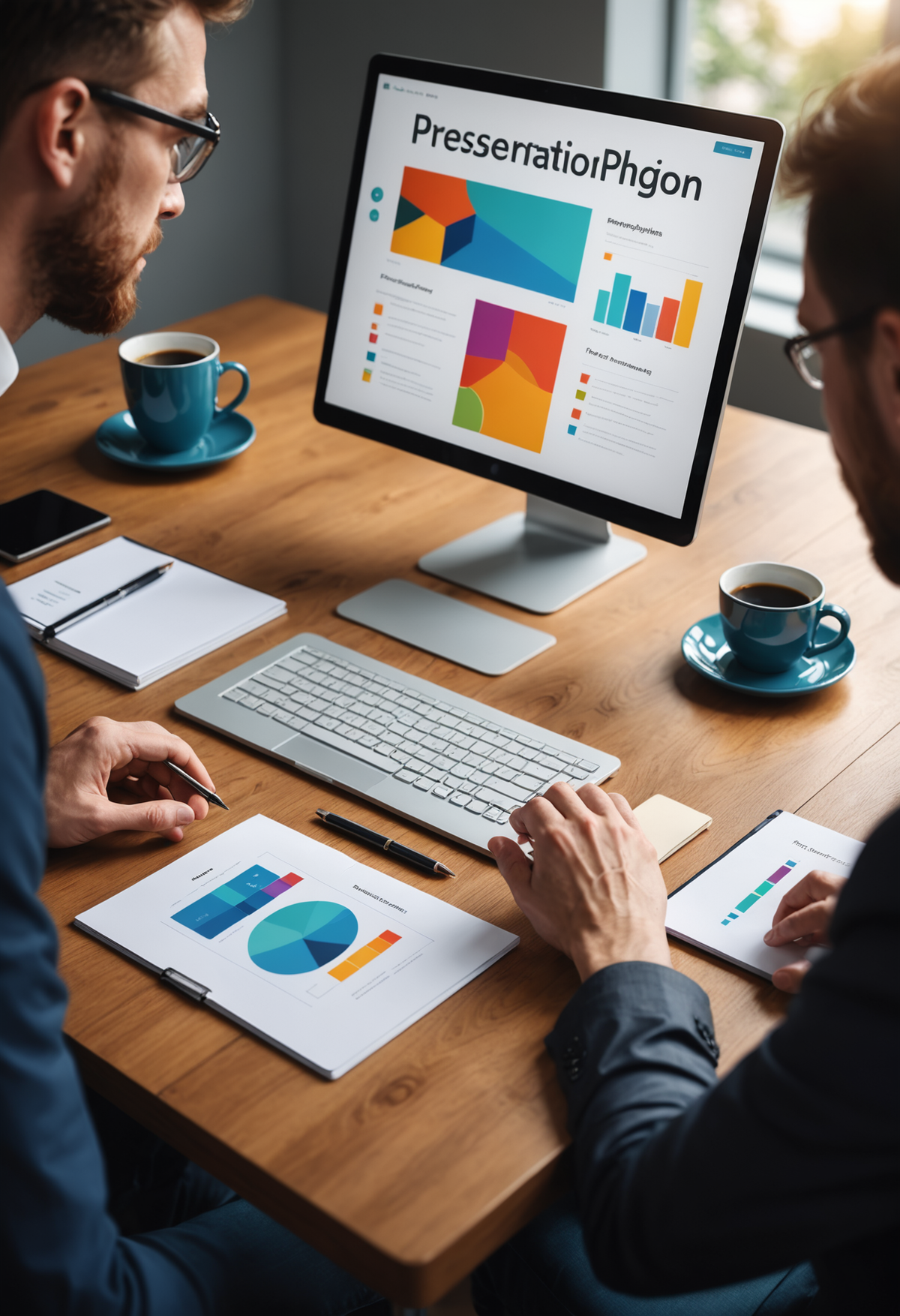
Presentation Design
Presentation Design gigs from Buxonline freelancers, starting at $1.
 slidemintLevel 3
Send me your text or notes and I'll format them into a clean five-slide presentation.
 5
5$100
 slidemintLevel 3
Send me your messy slides and I'll make the text and spacing look consistent.
5$100
 slidemintLevel 3
I'll find and place simple images or icons that match your content on up to 6 slides.
5$100
 slidemintLevel 3
I'll make one clean title slide in Google Slides with your project name and chosen background color.
5$100


 riskreatif2New Seller
Send us your application and we will work on it to become a PowerPoint presentation design
$100
 riskreatif2New Seller
Send us your writing or ideas, and we'll create slides in orange or any other color you desire. Thank you.
$100
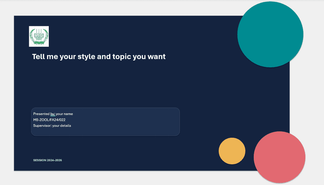
About presentation design
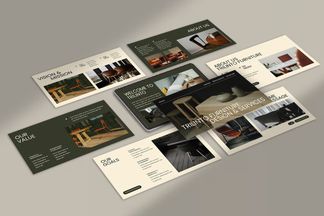
Presentation design transforms information into visual slides that support spoken delivery or standalone viewing. The work involves structuring content across a sequence of screens, choosing layouts that guide attention, and applying typography, colour and imagery to reinforce the message. Most presentations are built in software like Microsoft PowerPoint, Apple Keynote or Google Slides, though some projects use specialist tools like Prezi or are exported from design applications such as Adobe InDesign.
A well-designed presentation balances clarity with visual interest. Text is concise and hierarchically organised so audiences grasp key points quickly. Data becomes charts or diagrams that reveal patterns rather than tables that obscure them. Images, icons and whitespace work together to prevent cognitive overload. Poor presentation design typically shows too much information per slide, uses distracting animations, applies inconsistent formatting, or relies on default templates that look generic and undermine credibility.
The discipline overlaps with information design and graphic design but operates under unique constraints: slides must be legible from a distance, content often changes close to delivery, and the designer rarely controls the environment where the work will be seen—whether that's a boardroom screen, a conference projector or a laptop opened during a video call.
Guides related to presentation design
- Graphic design services from $1
- Logo design services from $1
- Become a Seller: start earning from $1
- Freelance jobs for beginners: start with no experience
- Freelance websites compared: what beginners should check
- Gig work for beginners: what it is and how to start
- Graphic design jobs you can do from home
- Micro jobs from $1 — start earning today
Presentation Design — questions and answers
- What's the standard aspect ratio for presentation slides, and does it still matter?
- Most presentations now use 16:9 widescreen, which matches modern projectors and displays. The older 4:3 ratio still appears in some corporate or academic settings with legacy equipment. Designing in the wrong ratio means content gets cropped or letterboxed during delivery, so confirming the display format before starting avoids last-minute reformatting.
- How many slides should a presentation contain for a given length of talk?
- There's no universal rule, as it depends on content density and pacing. A data-heavy investor pitch might use one slide per minute, while a storytelling keynote could show three slides in the same time. The structure of the argument matters more than slide count—each slide should represent one clear idea.
- Should animations and transitions be included in the design, or added later?
- Animations are part of the design when they serve a purpose—revealing bullet points sequentially to control pacing, or building a diagram step-by-step to aid comprehension. Decorative transitions between slides usually distract. Designers typically specify meaningful animations within the file, as they affect how information is disclosed and understood.
- What makes a chart work well on a slide versus in a report?
- Slide charts need larger text, bolder colours and less detail than print versions. Audiences can't study a slide for long, so the chart should communicate one insight immediately—often by highlighting a single data series or annotating a key trend. Complex legends and gridlines that work on paper create clutter on screen.
- How do master slides and templates actually function in presentation software?
- Master slides define reusable layouts—title placement, font styles, background elements—that apply across multiple slides. Editing the master updates every slide using that layout, which maintains consistency and speeds up revisions. Templates package these masters with colour schemes and sample slides, though custom masters offer more control for brand-specific work.
- Can a presentation designed for projection be reused as a PDF or printed handout?
- Slides optimised for projection often fail in other formats. Dark backgrounds that reduce glare on screen waste ink and make printed text hard to read. Animations disappear in PDFs. Presentations intended for multiple uses need separate versions or a design approach that works across contexts—typically lighter backgrounds and self-explanatory slides that don't rely on narration.


